Find
Tap notes on piano or guitar. ChordLens names the chord in real time, shows the note names, and mirrors the same pitches on both instruments.
iPhone app
ChordLens turns a pile of notes into a named chord, then shows you the piano tones, guitar voicings, and string notes that make it usable in practice.
The core flow stays simple: open Find, confirm the chord, then switch into playable shapes.
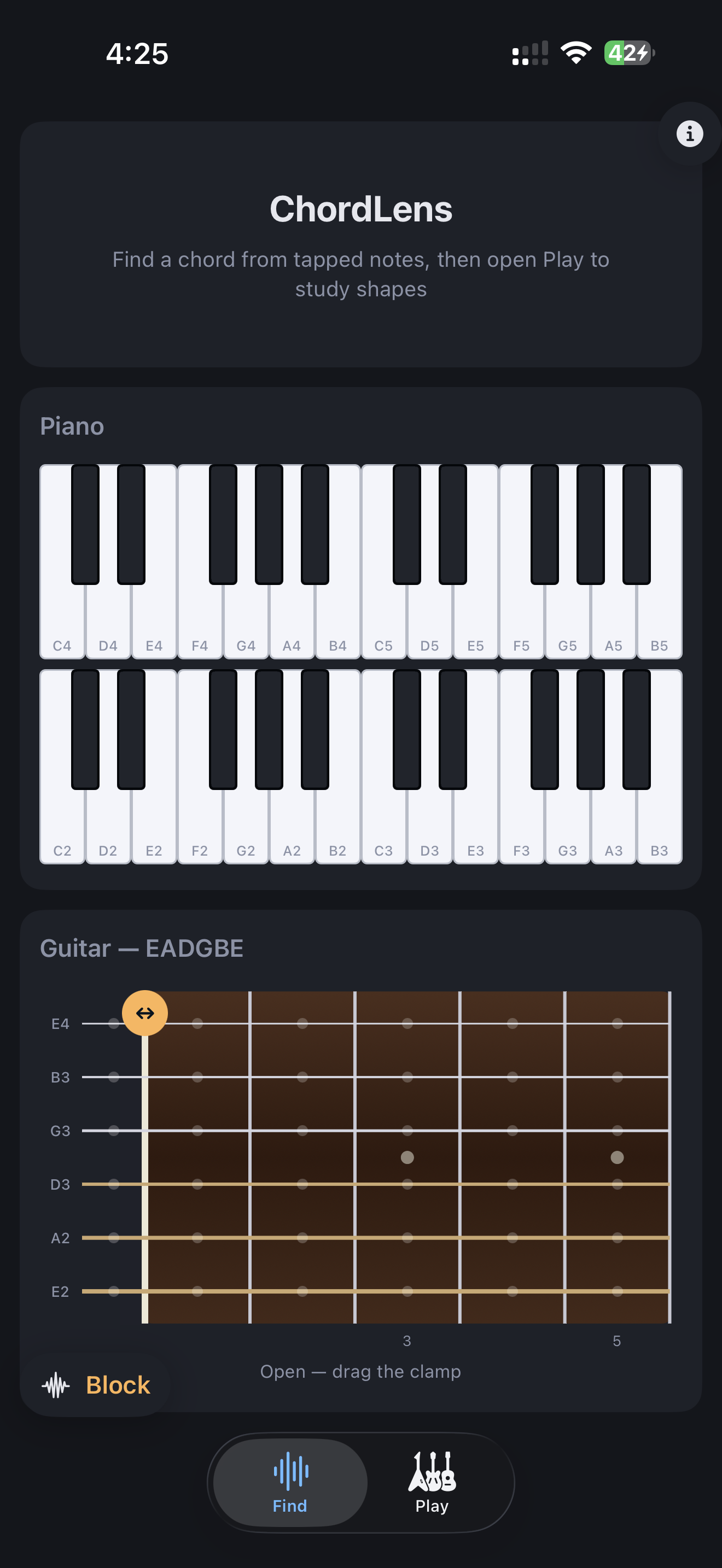
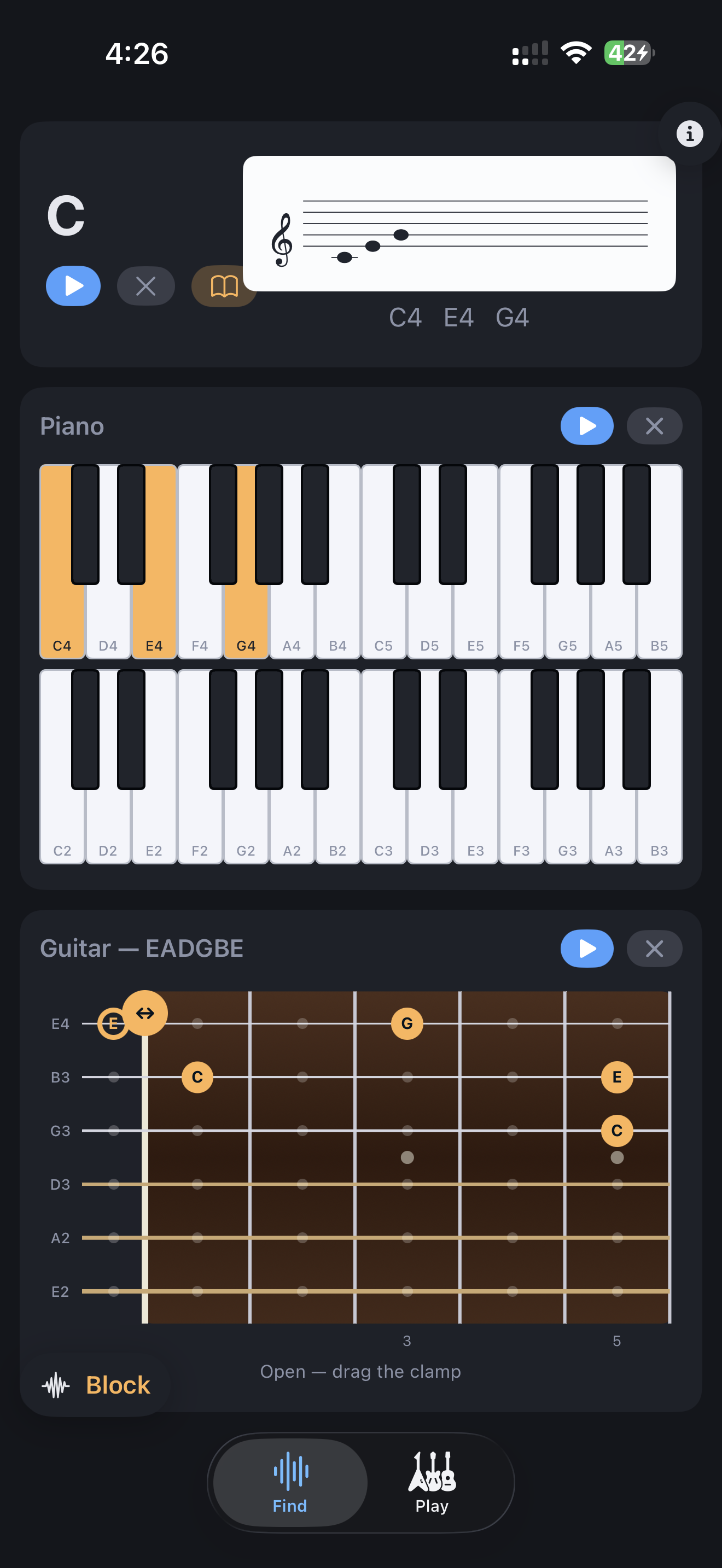
Tap notes on piano or guitar. ChordLens names the chord in real time, shows the note names, and mirrors the same pitches on both instruments.
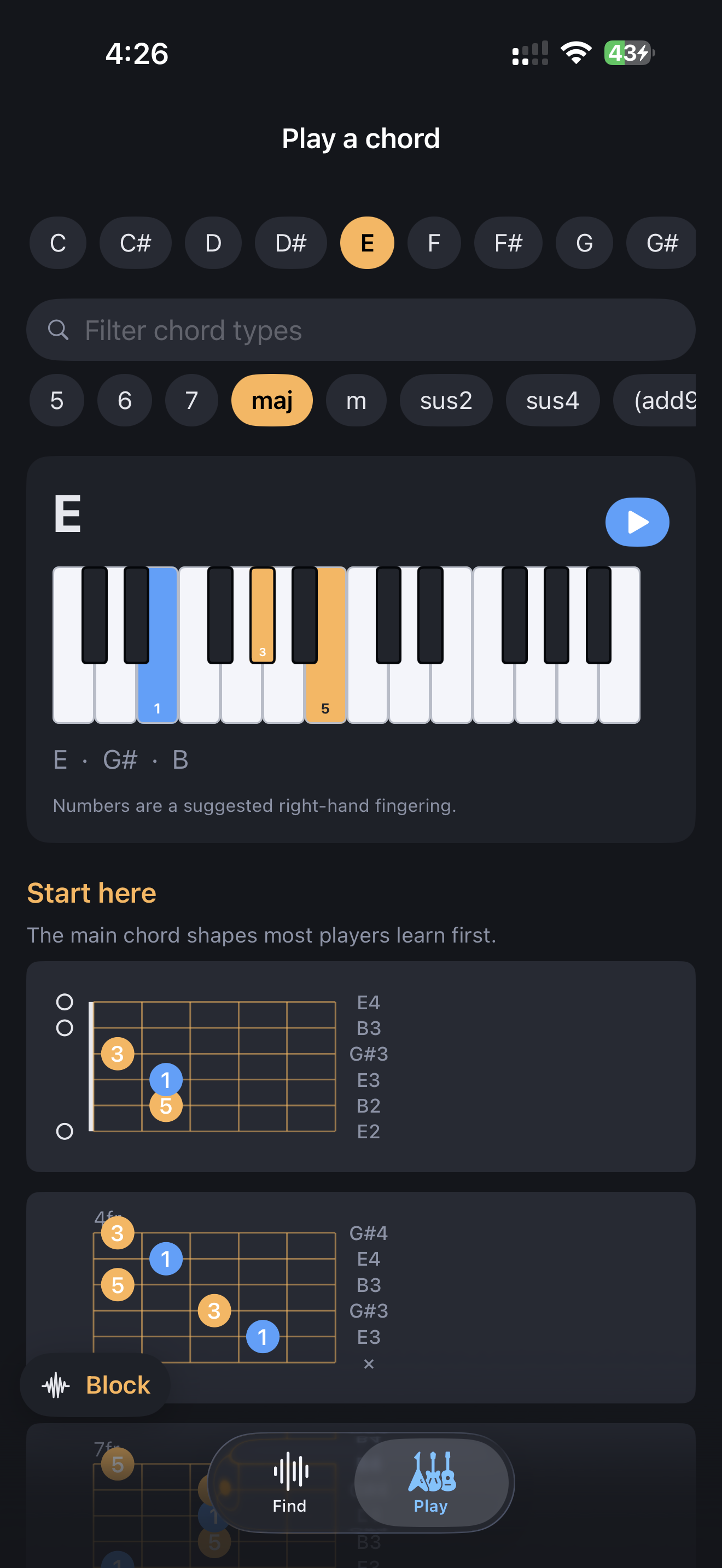
Switch to the Play tab to choose a root and chord type directly, hear the piano tones, and browse guitar voicings for the same chord.
Use the floating Pattern control to change how every play button performs the chord, from block playback to broken-chord patterns.
Choose a global playback pattern once, then every play button uses it. Switch between block, up, down, bounce, spread, and pedal playback.
Each voicing card shows the sounding note for each string, so the shape is easier to read without mentally translating fret numbers first.
The piano panel can replay the actual notes you tapped, which is helpful when octave placement matters.
When Find recognizes a chord, you can jump directly into the matching Play view instead of re-entering it manually.
For help with the app, playback behavior, or questions about how to use a feature, email [email protected].
ChordLens does not ask you to create an account and does not include ad tracking or analytics SDKs.
The notes and chords you play remain on your device. ChordLens is designed to work offline.